Chassis
| Latest release | 1.3.0 |
| Download | GitHub · Thunderstore |
| Requires | MelonLoader 0.7.3 |
| API | Reference |
| Help | Discord · Report a bug |
📖 API documentation: docs.doodesch.de/mods/chassis/api/
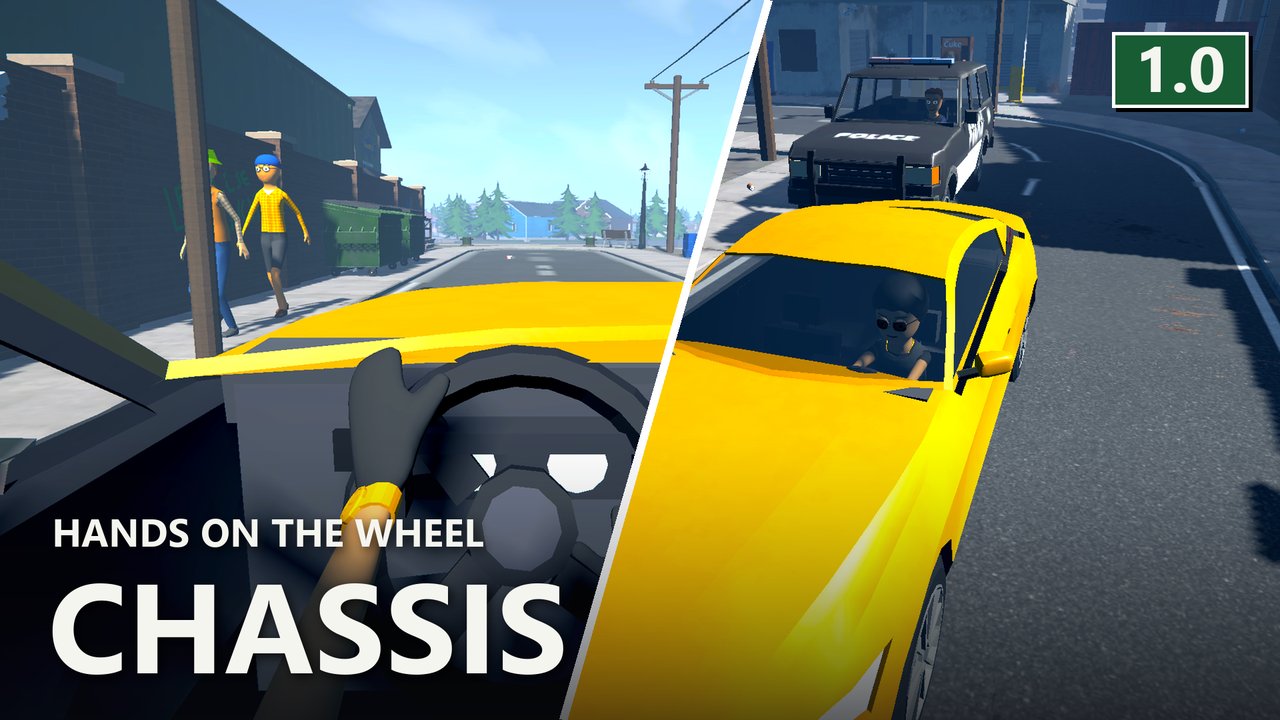
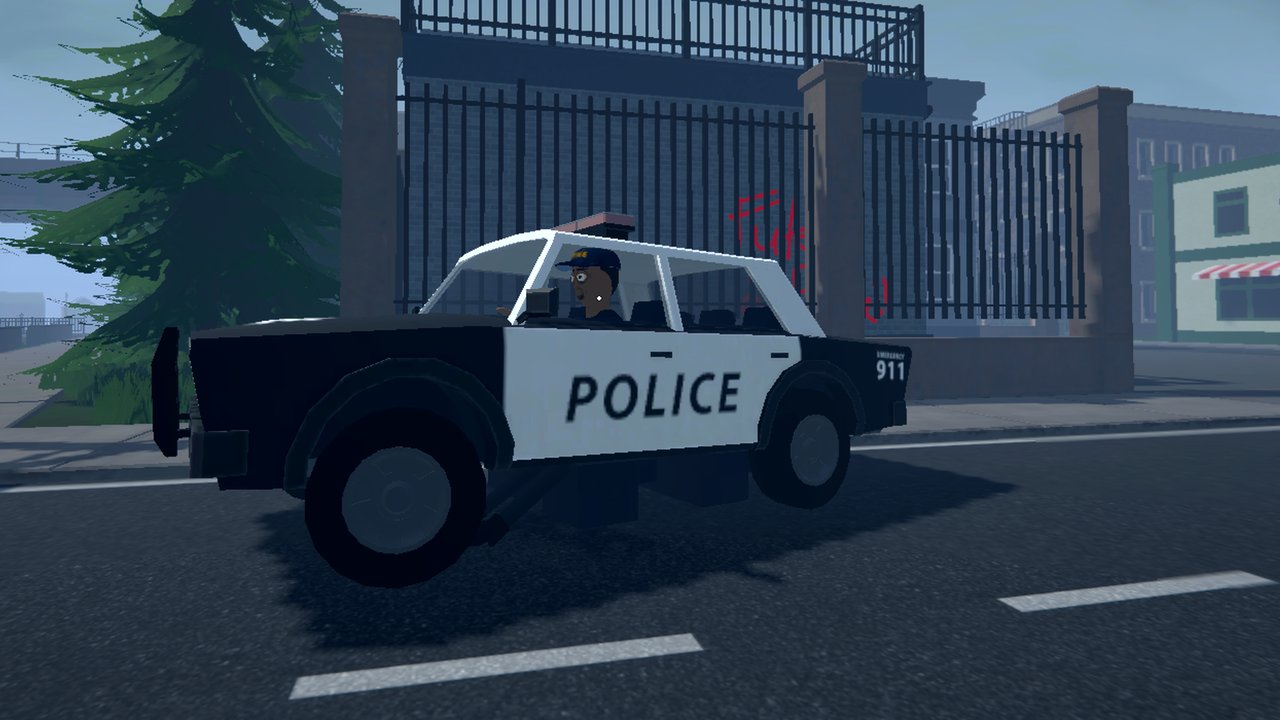
Drivers and passengers sit in the car where you can see them, with their hands on a steering wheel that turns. Chassis adds a first person view, a horn, indicators, locks and owners, and a base interior for the vanilla cars. Other mods build their vehicles on it.
Features
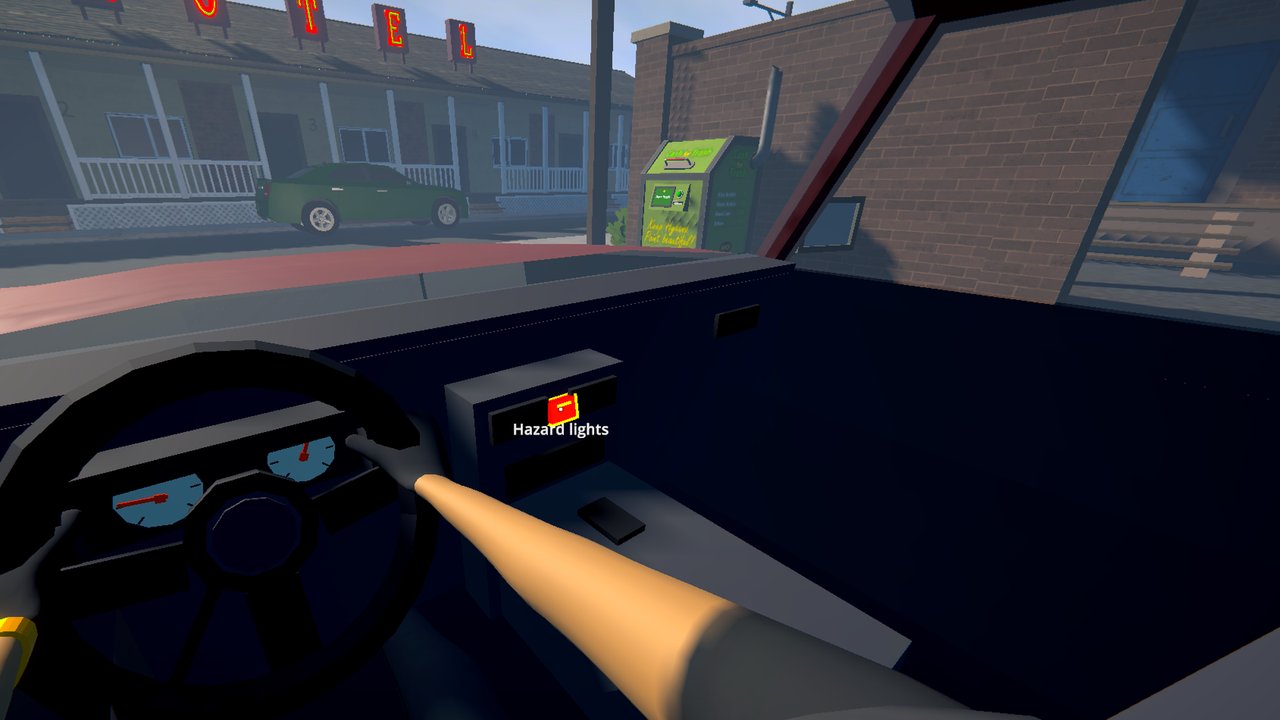
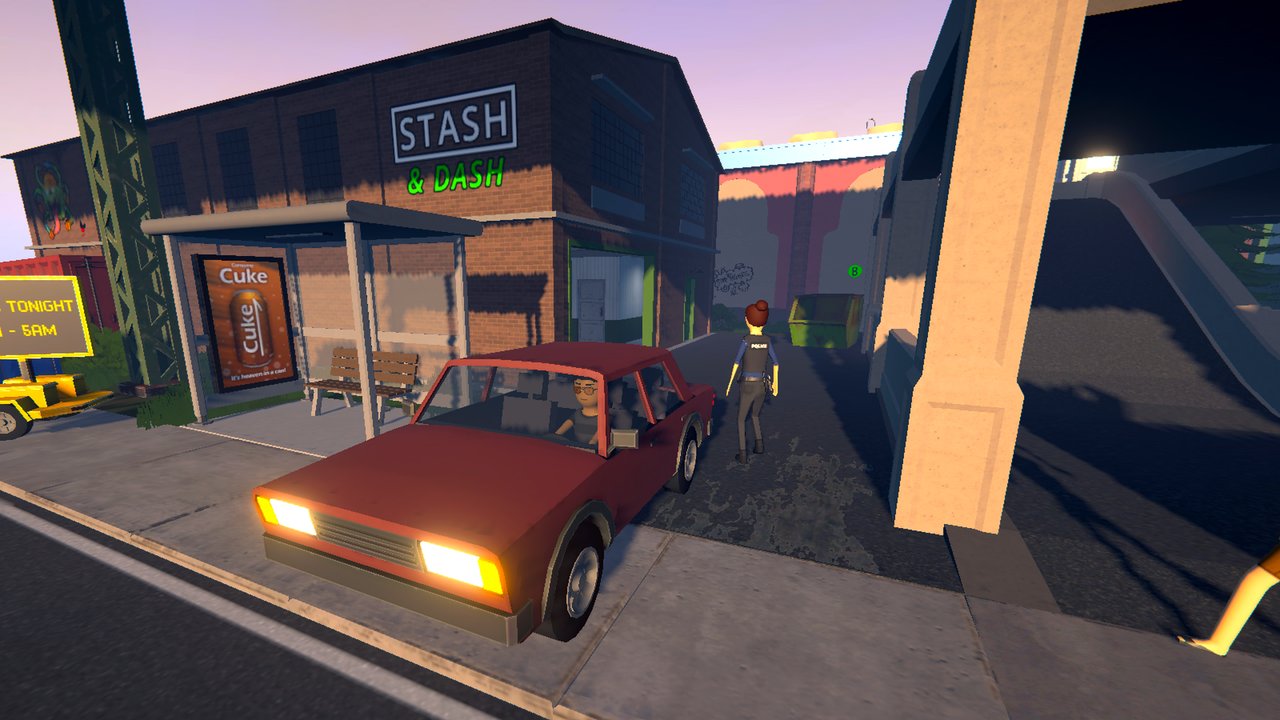
Section titled “Features”- Visible occupants: Players and NPCs in a vehicle sit visibly in their seats, police included. The driver holds the steering wheel with both hands, and the wheel turns when you steer.
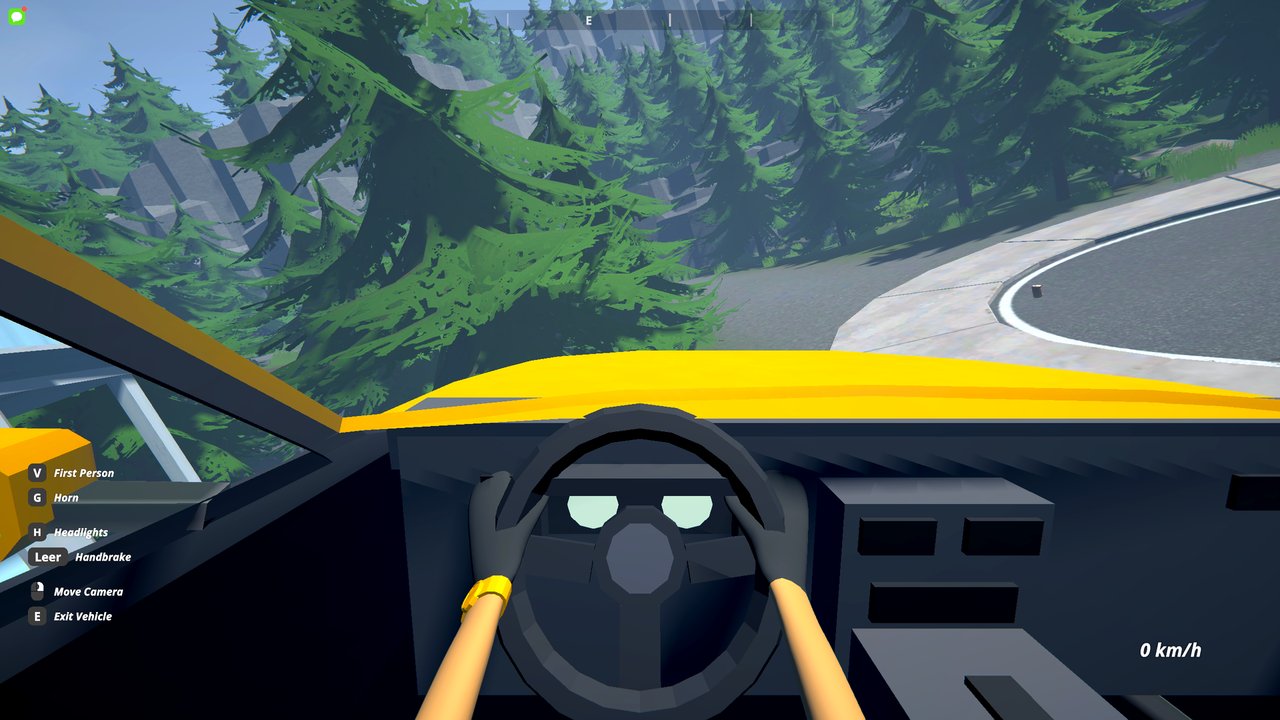
- First person view: Press
Vin a vehicle to look from your seat. Your body stays visible below you, and only your own copy of your head is hidden. - Horn: Press
G.Hstays the headlights. - Indicators: The left and right arrow keys switch them on vehicles that have indicator lamps. Press the same key again to switch off. After the turn they switch off on their own.
- Owner and lock per player: Each player-owned vehicle has an owner, and the owner can lock it. A locked vehicle lets in only its owner. Others can ride along while the owner sits inside. There is no key for the lock: other mods set it through the API. Vehicles from older saves belong to the host.
- Moving parts: The steering wheel follows the front wheels.
- Base interior for the vanilla cars: Seats, a dashboard, a steering wheel and tinted glass, so you can see who sits inside.
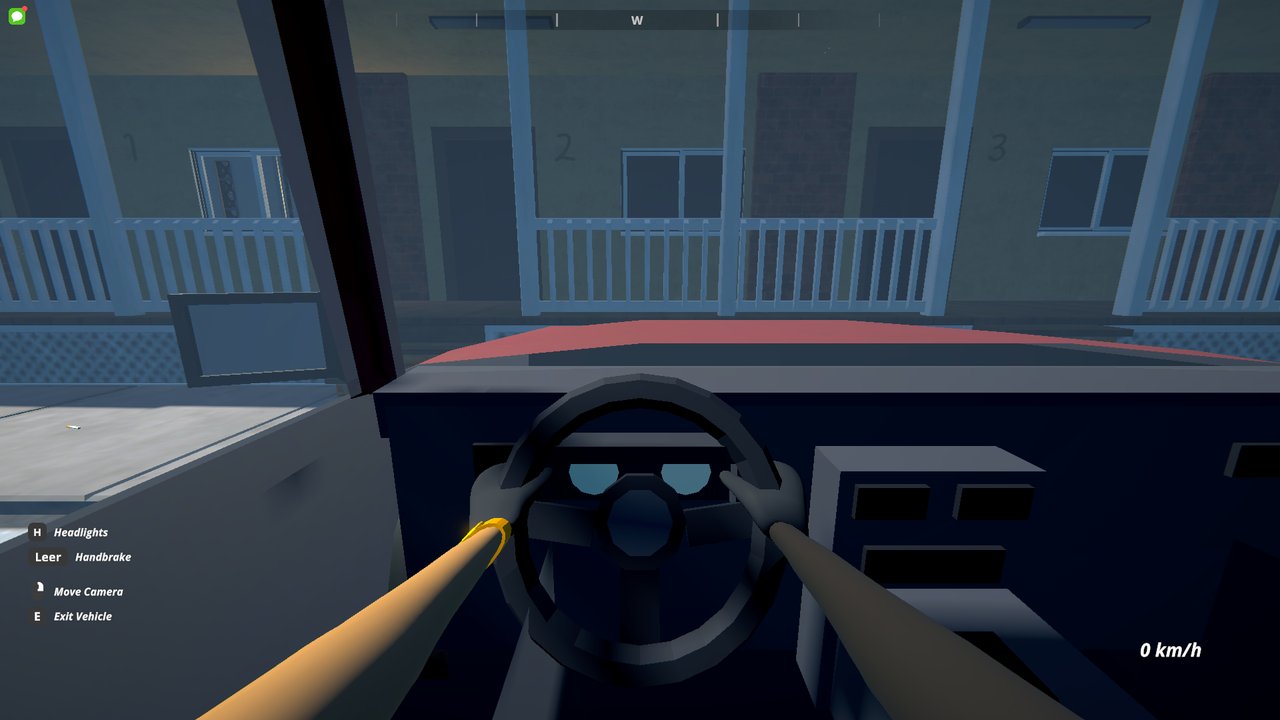
- Working dashboard: The speedometer and the rev counter move, and lamps show the indicators and the headlights. In first person, look at a switch and left-click it: light switch, hazard lights, indicator stalk (also with the mouse wheel) and the horn in the wheel centre.
- Indicators outside: The vanilla cars flash their own amber indicator lamps. A rear without one flashes part of the brake light in red.
- Shots into cars: Guns hit NPCs that sit in a car. A driver who goes down falls out next to the car, and the car stops.
- Wheelchairs: Riding and pushing the wheelchairs moved to its own mod, Rollin. Without Rollin the wheelchairs stay vanilla props.
- Key hints: The keys of the vehicle show at the bottom left, next to the game’s own: First Person, Horn, and Indicators on vehicles with indicator lamps. While you push a vehicle (Rollin’s wheelchair) they show Push and Let Go with your own key bindings.
- Co-op: Seats, horn, indicators, locks and owners sync through the host.
Controls
Section titled “Controls”| Key | Action |
|---|---|
V | First person view in a vehicle |
G | Horn |
H | Headlights (vanilla) |
Left arrow / Right arrow | Indicator left / right. Press again to switch off. |
Left click | In first person: use the switch you look at. A dot in the screen centre shows that you can. |
Mouse wheel | In first person: turn the knob or stalk you look at. |
Screenshots
Section titled “Screenshots”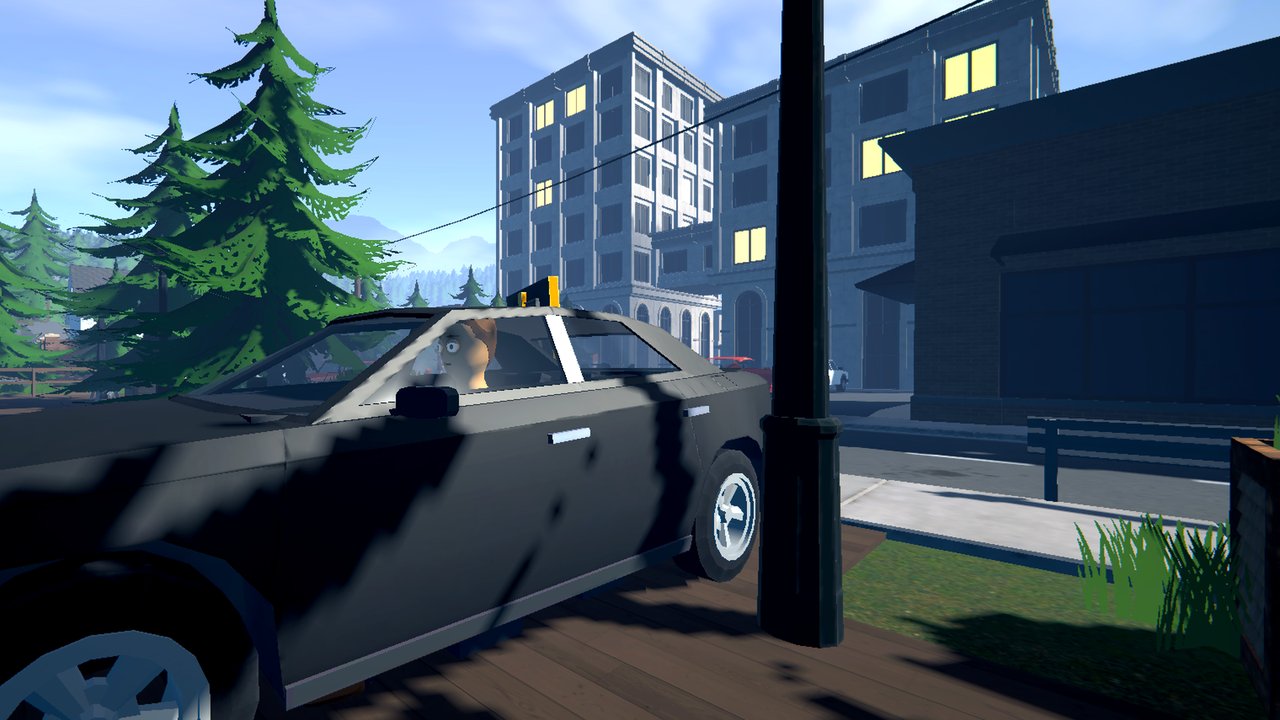 | 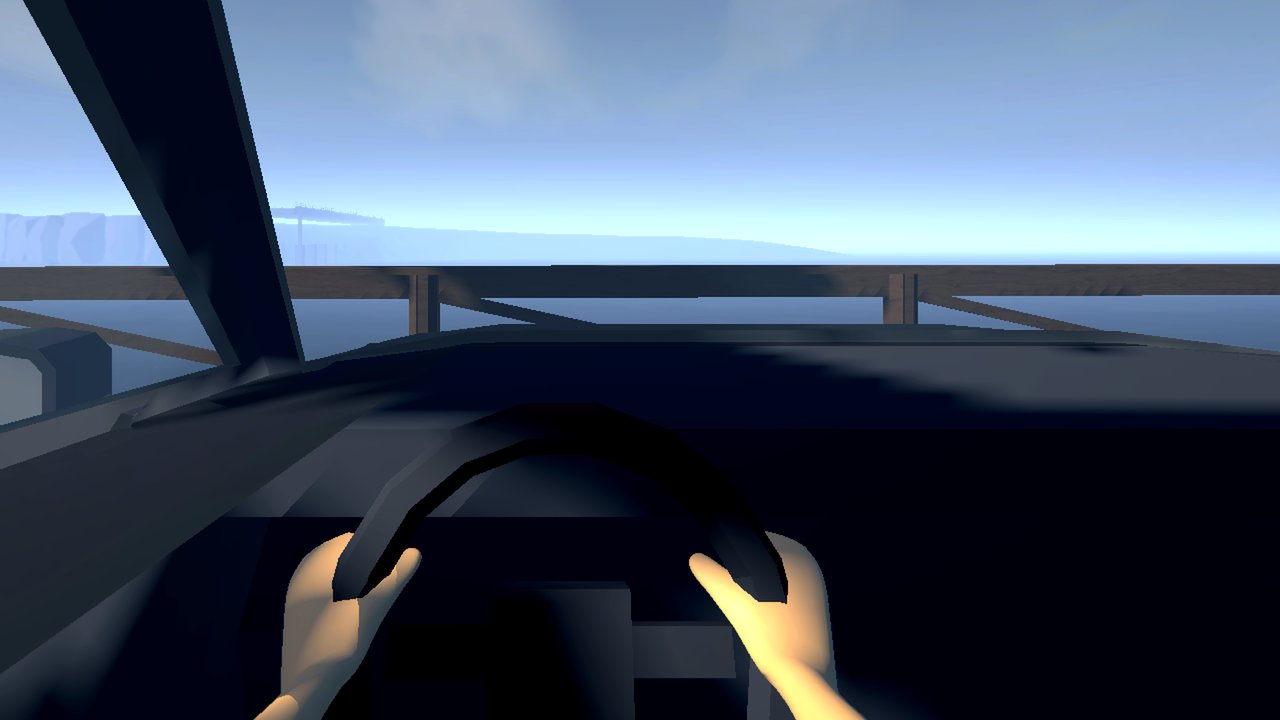 |
 |  |
 |  |
 |
Requirements
| Component | Version / Source |
|---|---|
| Schedule I | 0.4.7f12 (IL2CPP, current Steam public build) |
| MelonLoader | 0.7.3+ |
Every player in a co-op session needs Chassis.
Installation
Recommended: a Thunderstore mod manager
Section titled “Recommended: a Thunderstore mod manager”Install with a mod manager (r2modman / Gale) from the Schedule I community. MelonLoader comes in as a dependency.
Manual
Section titled “Manual”- Install MelonLoader 0.7.3 for Schedule I (melonwiki.xyz).
- Drop
Chassis.dllinto your Schedule IMods/folder.
Configuration
Section titled “Configuration”Settings live in UserData/MelonPreferences.cfg under Chassis.
| Setting | Default | What it does |
|---|---|---|
BaseInterior | true | Seats, dashboard, steering wheel and tinted glass for the vanilla cars, and visible NPC drivers. |
SpeedUnit | kmh | kmh or mph: the speedometer and the odometer. |
For mod authors
Section titled “For mod authors”The public API is the static class ChassisApi in the namespace Chassis.Api
(Api/). Reference Chassis.dll and add Chassis as a dependency of your package.
Every type and member: API reference.
- Profiles: A
ChassisProfileper vehicle code holds seats, steering wheel, lids, lamps, horn and interior.ChassisApi.Registeradds one from code,ChassisApi.Assigngives one vehicle the profile of another code, andChassisApi.FitSeatmakes a first seat profile from a vanilla seat.Changedreports every change. - JSON files: Profiles also load from
UserData/Chassis/<vehicle code>.json. A file wins over a profile from code, so a player can always correct the values.ChassisApi.Savewrites the current profile to its file. - Horn, indicators, parts:
Honk,SetIndicator,Indicator,IndicatorLit,IndicatorChanged,SetPart,PartOpen,SetStorageEnd,RegisterSound. - Owner and lock:
OwnerOf,IsMine,IsLocked,SetLocked,SetOwner(host),OwnersChanged,ResolveUnknownOwner(host, for vehicles without a record). - First person:
FirstPersonActive,FirstPersonKey,FirstPersonChanged. - Key hints:
AddKeyHintputs your own key into the key hints,RemoveKeyHinttakes it out. Theshowcallback gets aKeyHintContext(Vehicle,Profile,Seat,Driver,Pushing). - NPCs that go down in a seat:
RegisterOccupantDowndecides whether a shot NPC stays slumped in its seat instead of falling out (host only). The handler gets anOccupantDown(Vehicle,Npc,Seat,Dead);RemoveOccupantDowntakes it out.
Interiors, gauges and switches
Section titled “Interiors, gauges and switches”- Your own interior:
SetInterior(code, vehicle => yourPrefabInstance, profile => ...)replaces the base interior’s seats, dashboard and wheel for one vehicle code. The lining and the tinted glass stay unless the callback turns them off. The callback names your wheel, gauges and switches in the profile. - Gauges:
ChassisProfile.Gaugesbinds a transform by name or path to a source. Kinds:needle(turns betweenFromandTo),lamp(glows aboveThreshold) anddigits(text). - Sources:
GaugeSourceslists them: speed, rpm, throttle, handbrake, lamps, steering, clock, odometer, trip, occupied, driver.RegisterGaugeSourceadds your own.Telemetry(vehicle)reads all of them at once, each with aValidflag. Throttle and handbrake reach passengers about 0.4 s late. - Switches:
ChassisProfile.Controlsmakes a transform clickable in first person:button,toggleorknob. Built-in actions arelights,hazard,indicator,hornandtrip_reset;RegisterControlActionadds your own. Clicks go through the host, and toggle and knob states are saved with the vehicle. - Events:
ControlUsed,HeadlightsChanged,BrakeChanged,ReverseChanged,DriverChanged. - Console:
chassis telemetryprints every source with its validity and every bound gauge and switch of your car.chassis zonesshows the hit zones of the switches. Both work in the release build. A gauge or switch whose path is not found logs one warning per vehicle code. - Debug build: every GitHub release also carries
Chassis_<version>_debug.zip. It adds the developer console commands, among themchassis profile(edit and save seat profiles live),chassis interior,aim,clickandctl;chassis helplists them all. Players use the normal build. - Example:
Examples/ChassisCockpitExamplegives the Shitbox a cockpit of its own with a speedometer, odometer digits and a beacon switch.
Tuning
Section titled “Tuning”A vehicle’s tuning is a list of keys that your mod writes through ChassisApi, for example a tuning
shop or a garage app. The host checks each change against the vehicle’s owner, syncs it to every
player and saves it with the vehicle.
- Parts:
RegisterTuningPartadds a part with its own model, fit and driving factors (torque, gearing, brake, grip, steer, mass, spring, damper, downforce, ride height).InstallPartandRemovePartfit it to a vehicle. Built-in parts: engine, brakes and transmission stages 1-3, suspension 1-4, turbo and drift tyres. - Looks:
SetPaint(primary and secondary, with a finish),SetRimColor,SetXenon,SetNeon,SetWindowTint,SetTyreSmokeandSetHorn. - Your own keys:
SetTuning,GetTuningandClearTuning. - Read:
Tuning,InstalledPart,TuningStatsOf(the driving factors in effect) and the eventTuningChanged. - Example: Rollin builds the wheelchair on Chassis and tunes it with rockets, spoilers, neon and hats.
Building from source
Section titled “Building from source”The project compiles two targets from one source tree: net6.0 for IL2CPP and netstandard2.1
for Mono. It reads the game and MelonLoader reference DLLs from ../Workspace/lib/<il2cpp|mono>/
(game/ and melonloader/). Point WorkspaceLibPath at another folder with the same layout if
needed.
dotnet build Chassis.csproj -c Release # both targetsdotnet build Chassis.csproj -c Release -f netstandard2.1 # Mono onlydotnet build Chassis.csproj -c Release -p:WorkspaceLibPath=/path/to/libThe IL2CPP build is at bin/Release/net6.0/Chassis.dll. Debug builds add console commands
(chassis help).
Credits
- DooDesch - mod author.