Yesla
| Latest release | 1.0.0 |
| Download | GitHub · Thunderstore |
| Requires | MelonLoader 0.7.3, S1API Forked 3.2.1 |
| Help | Discord · Report a bug |
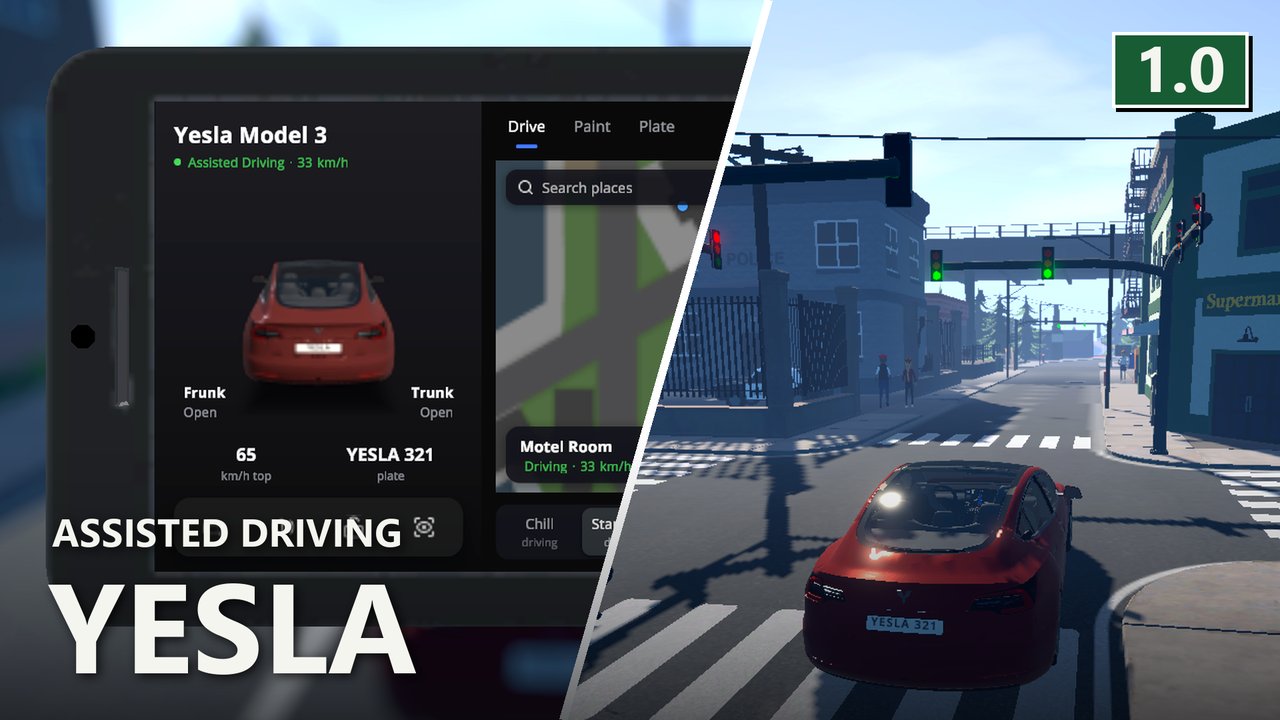
An electric sedan for Schedule I that drives you where you send it.
What it does
Section titled “What it does”Jeremy at the dealership sells the Yesla Model 3 for $60,000. It hums instead of running an engine, does 0-50 km/h in 3.4 seconds, takes paint like any other car, and is saved with the game.
Yesla Assisted Driving. Pick a destination in the Yesla phone app: a point on the map, one of your properties, a customer, a dealer, a shop, or the target of your current quest or deal. Sit in the driver seat and press Y. The car takes the fastest route and drives around active police checkpoints. It keeps to speed limits, brakes early for bends, signals before it turns, stops at red lights, waits at zebra crossings and for traffic. At the destination Autopark takes a free parking spot or pulls over at the kerb. Steering, throttle or brake, or pressing Y again hands control back at once.
Drive profiles in the app: Chill, Standard and Mad Max. Mad Max ignores speed limits and red lights. Autopark backs in by default; the app can switch it to nose in.
First-person view in the car with C: a detailed cabin, and the driving visualisation on the centre screen.
Driving visualisation. N cycles panel, full screen and off. It shows the road lanes, the blue route, cars, people, buildings, zebra crossings, parking spots, traffic lights with their colour, your speed, the speed limit and the next turn.
Phone app, owner only:
- A map with search, your route on it, and Send to car.
- Actual Super Summon - the car drives itself to you and follows you while you walk. If you stand where no car can reach, it stops at the nearest road.
- Go to target - the empty car drives to your destination and parks there.
- Honk and flash the lights.
- Lock - nobody gets in, not even NPCs.
- Sentry Mode - the phone tells you when someone hits the car or stands next to it.
- Frunk and Trunk open and close the lids.
- Paint and Plate tabs change the colour and the licence plate.
The app shows your car in its own paint, turned the way your camera looks at it. The app icon shows once you own a Yesla.
The car itself. Storage opens at the rear and at the nose (the frunk); both share one inventory. The steering wheel turns with the wheels, the wipers run in the rain, and the bonnet and boot open with the storage. Headlights switch on by themselves from 17:30 to 06:00 while the car drives, and stay on for a minute after a night drive. Tail lamps glow at night, and the reverse light lights the ground behind the car.
Sounds. A recorded horn, a lock chirp, and a chime when Assisted Driving takes over and hands back. All follow the game’s volume sliders.
Keys and settings
Section titled “Keys and settings”| Key | What it does |
|---|---|
Y | Assisted Driving (driver seat, your own car) |
C | First person |
N | Visualisation |
Everything is in UserData/MelonPreferences.cfg under [Yesla]:
EngageKey,ViewKey,VisualisationKey- the three keys, as Unity KeyCode names.DriveProfile-chill,standardormadmax.ParkDirection-auto,reverseorforward.autobacks in unless the car already faces the spot.
The app sets the last two as well.
Multiplayer
Section titled “Multiplayer”Everyone needs the mod. Every player can buy and own a Yesla. Remote controls and Assisted Driving answer only the owner, and a client’s own car drives on the client.
Uninstalling
Section titled “Uninstalling”A save with a Yesla in it cannot load the car without the mod, because the game does not know the vehicle code. Sell or leave the car before you remove the mod.
Screenshots
Section titled “Screenshots”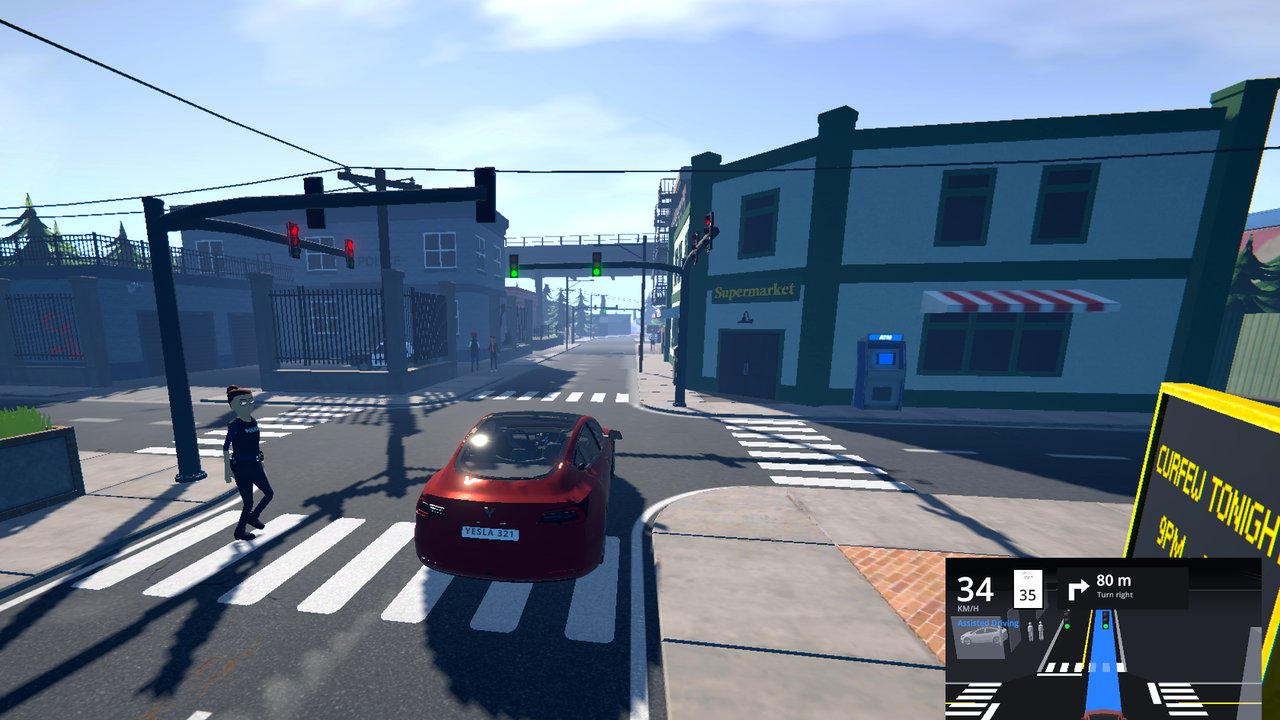 | 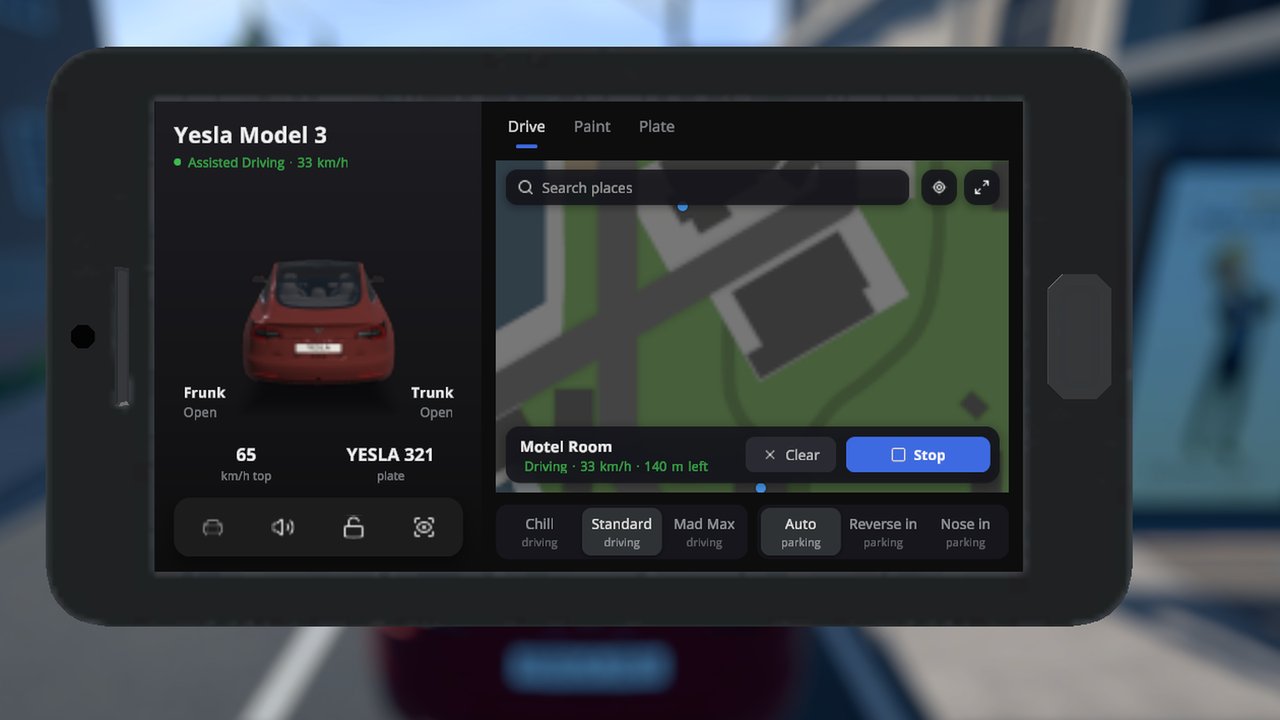 |
| Assisted Driving at a zebra crossing | The phone app with a route |
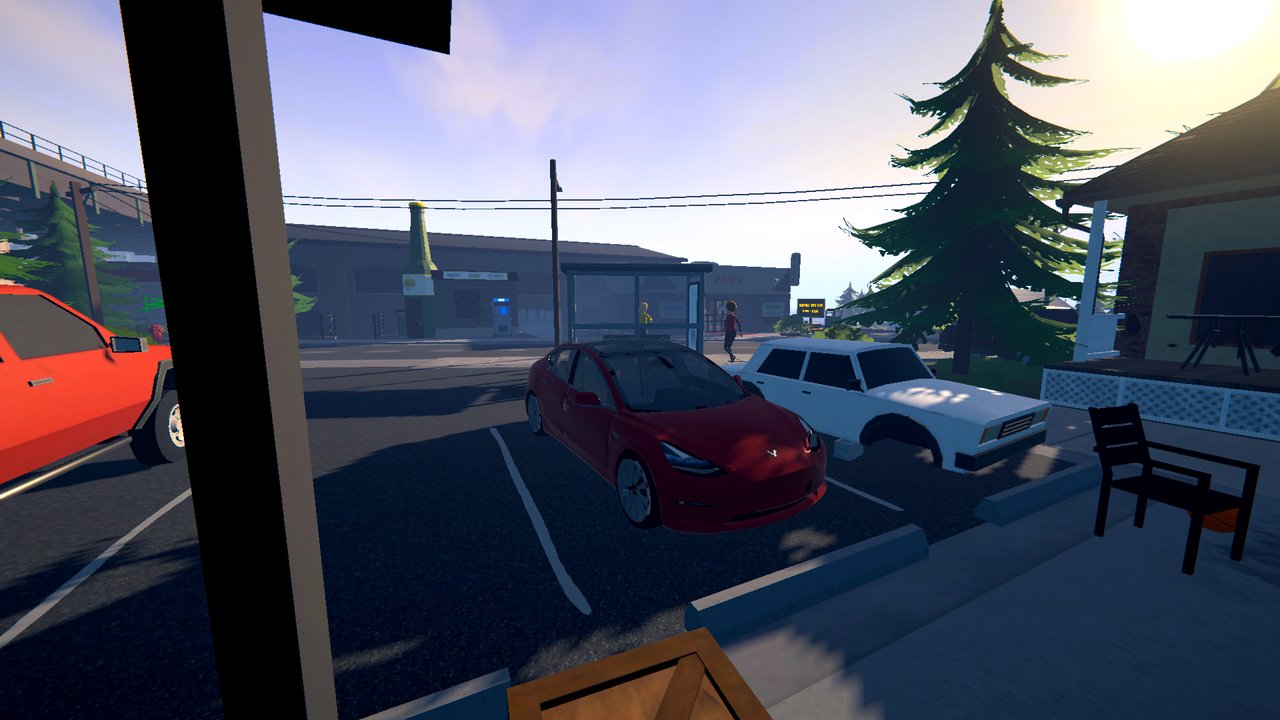 | 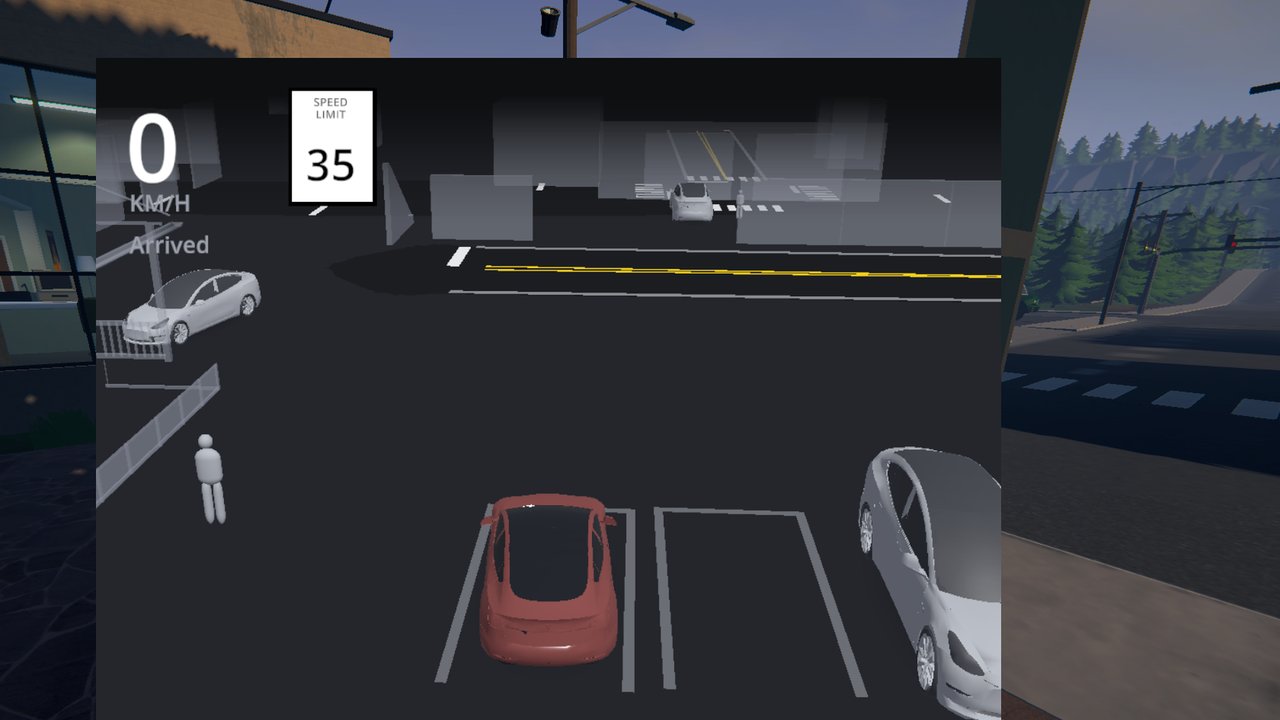 |
| Autopark, backed in | The visualisation after parking |
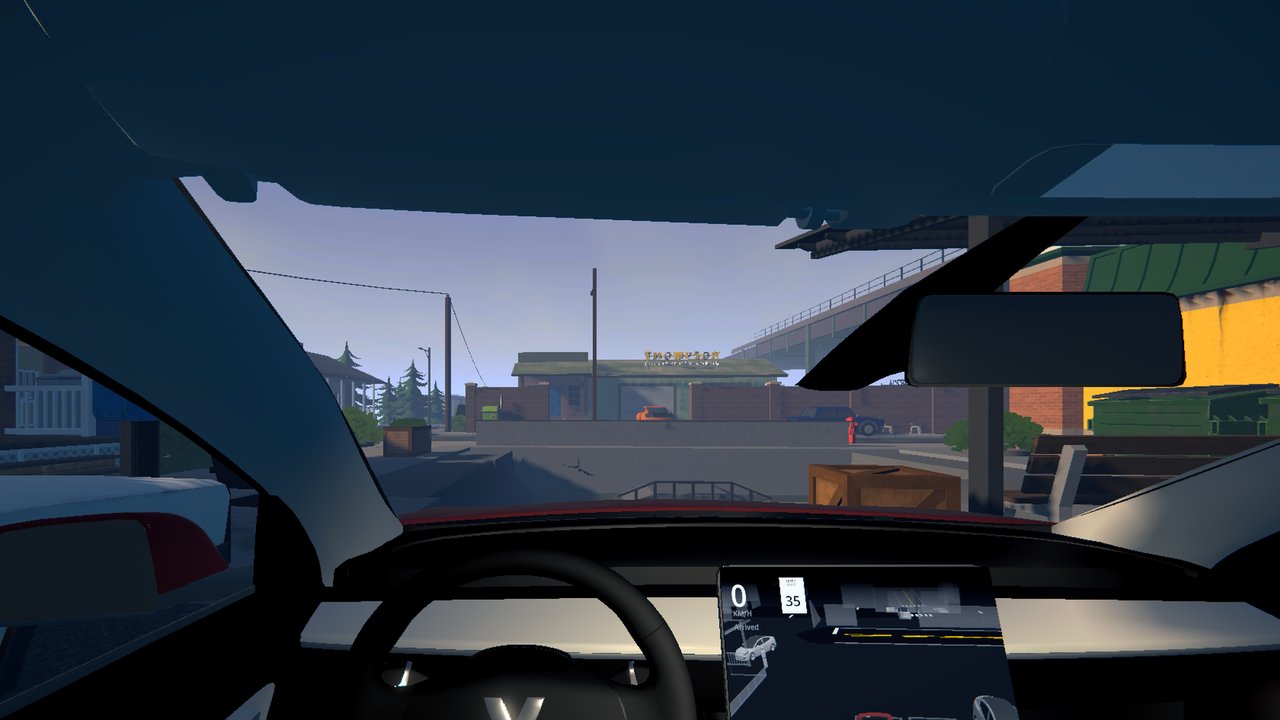 | 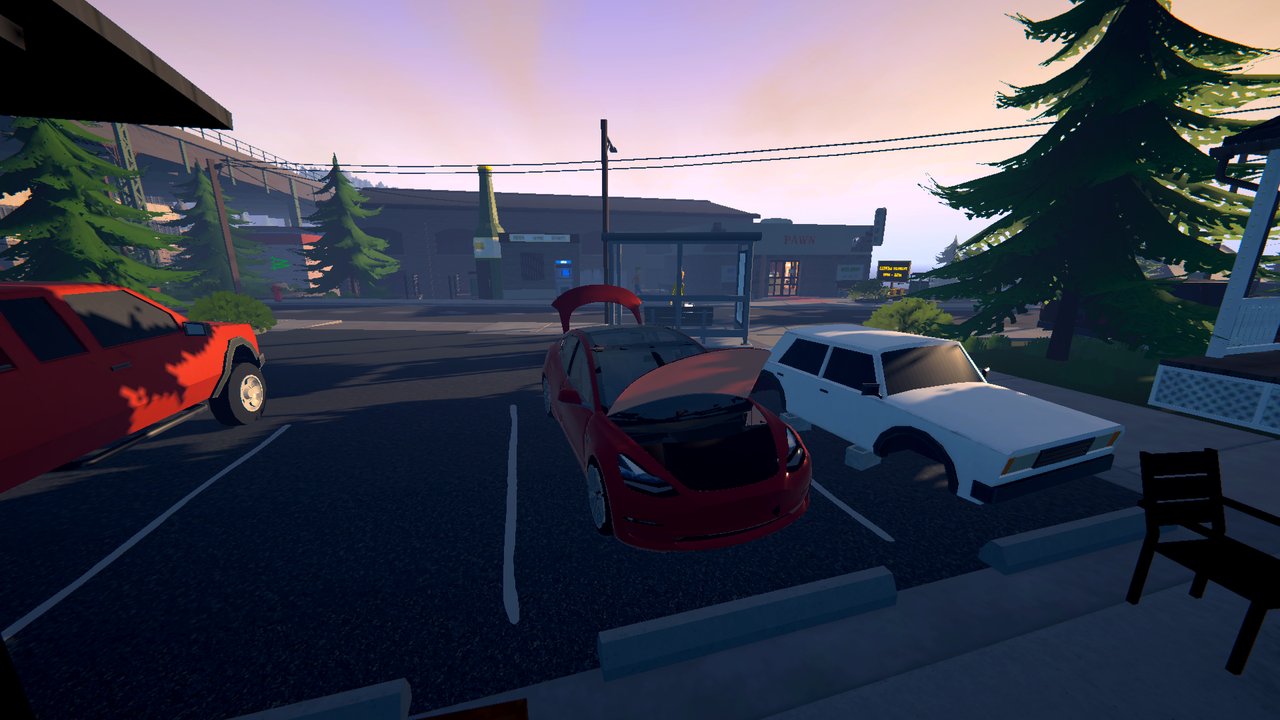 |
| First person with the centre screen | Frunk and trunk open |
Requirements
- MelonLoader 0.7.3 or newer
- S1API 3.2.1 or newer
- Sideload 1.33.6 or newer for the phone app (optional - without it everything but the app works)
Credits
Built by DooDesch on S1API by ifBars. Car model “Tesla 2018 Model 3” by Ameer Studio, licensed CC-BY-4.0, modified for this mod (see LICENSE-MODEL.txt). App icons from Lucide, licensed ISC. Sounds from freesound.org, all CC0, cut for this mod: horn by Julien_Matthey (436589), lock chirp by Filmscore (830110), chime by greatsoundstube (629312), pedestrian warning by itinerantmonk108 (745146). THIRD-PARTY-NOTICES.md has every part with its license text.
“Tesla” and “Model 3” are trademarks of Tesla, Inc. This mod is not affiliated with or endorsed by Tesla, Inc.